WordPress and WooCommerce provide methods to import pages/products into their site, however, we Running Robots feel that WP All Import plugin package provides an extended and more advanced platform for importing your data. Setting up your import for thousands of pages, posts or products is very similar to creating a singular post manually. You use…
Why speed matters Bounce rate. If you have never heard that expression, it is what happens when you visit a site and leave it, or ‘bounce’ immediately. We want to capture a user as quickly as possibly once they land on your site. If the site takes too long to load, users lose faith in…
What’s the diff? Category Product categories are the primary way to group products with similar features. You can also add subcategories if desired. For example, if you sell pet supplies you may have categories like “dog”, “cat” or “bird”. Since WooCommerce 3.3, there will be a default category. Every product must be assigned a category.…
How to Add Users: Login to the backend of your site. Hover over Users in the backend of you site in the black sidebar. Click Add New. Next, you just have to fill out the form to create a new user. The email is the unique key to user accounts, so you cannot assign two…
Log in to your WordPress dashboard Select “Menus” from the drop-down menu under Appearances If you have more than one menu, find the menu you wish to edit in the dropdown box Click the boxes for the pages you want to include in your new menu then click Add to Menu. Don’t forget to toggle…
There are multiple methods to creating pop up messages and notification bars. I highly recommend Convert Pro for those that do not have Elementor on your site. However, to save on page speed, those with Elementor, I would skip adding another plugin and use the functionality that already exists on your site. Follow these…
Curious as to why your shipping calculation at checkout is either charging too much or not enough per transaction? Let’s do some checking on your settings to make sure we have everything set up properly. Login to the backend of your site. Look for WooCommerce in the back sidebar, hover over it and click…
Login to the backend of your site. In the black sidebar, hover over WooCommerce and click on Orders. Select the Order you wish to refund. Once the order is open scroll down to the order review section. In the bottom left corner you will see a refund button. (If this is not showing for you,…
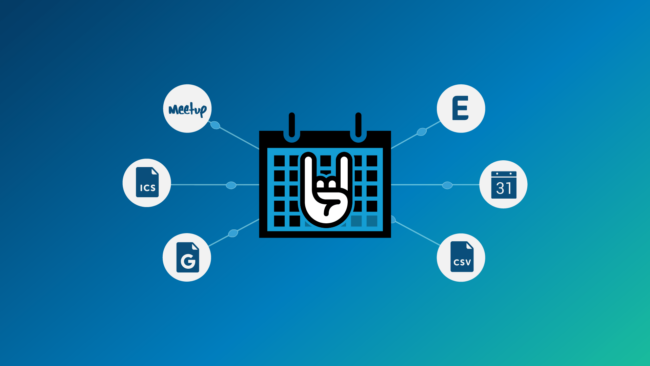
Event Creation To create a new event, login to the backend of your website, find Events in the black sidebar and click Add new on the submenu. The event editor page looks very similar to the pages/posts editor, however there is an added section after the long description to fill out the event data. Add…
A Shipping Zone is a geographical area to which you ship items. You can get as specific as you need, right down to regions and zip codes, or you can leave it more general. Adding and managing zones Adding a New Zone Go to: WooCommerce > Settings in the blackside bar menu Once WooCommerce Settings are…